 Kleepter
One list for everything you want to buy.
Kleep products from any online store into one list, with the photo, price and shop. Keep shopping where you like.
No account. No tracking. Your Kleeps stay in your browser.
Kleepter works in Chrome on a computer, so we'll help you send it there.
My Kleeps
2 Kleeps from 2 shops
-
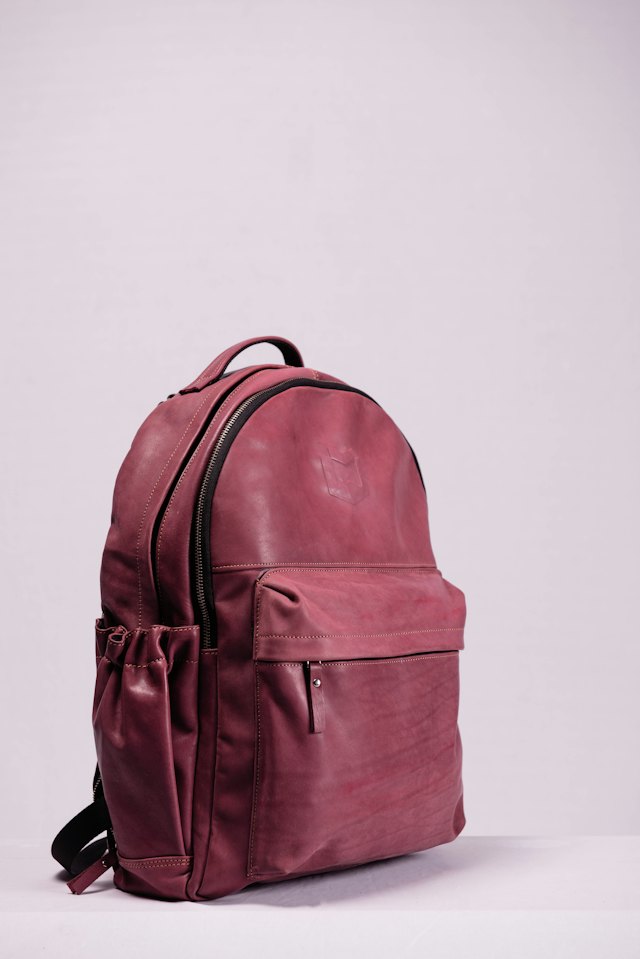
Leather Backpack 22L
Burgundy
northfield.example
$120.00
-
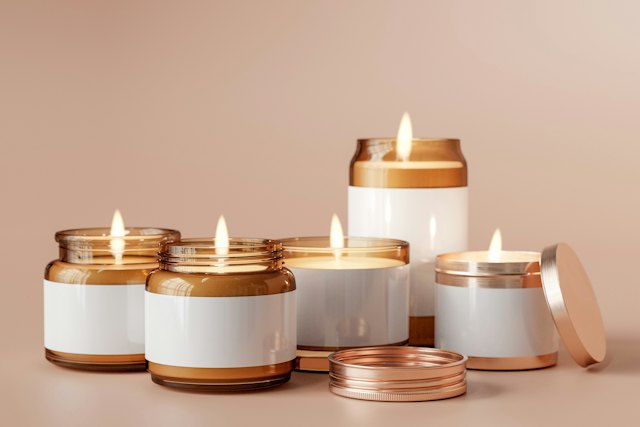
Amber Glass Candle Set
Set of 4
oakline.example
$34.00
Bookmarks weren't built for shopping.
A bookmark remembers a page. A Kleep remembers the product: the photo, the price, the shop and the option you picked.
A bookmark
- Pour-Over Coffee Set | Brightleaf Home
- Inbox (12) – Mail
- Chunky Knit Throw Blanket – Oakline
- Train times: Monday to Friday
- Wooden Tripod Table Lamp – Brightleaf
A title and a link. No photo, price or option, and it sits among everything else you've bookmarked.
A Kleep
-

Pour-Over Coffee Set
Glass carafe, white cup
brightleaf.example
$39.50
-
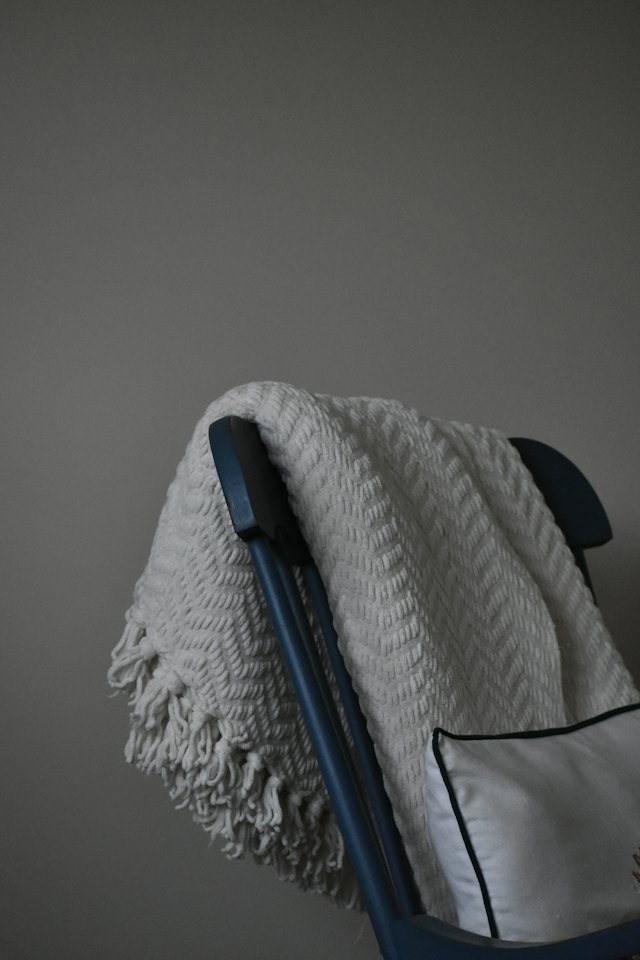
Chunky Knit Throw Blanket
Oat, 130 × 170 cm
oakline.example
$62.00
-

Wooden Tripod Table Lamp
Warm light
brightleaf.example
$48.90
Photo, price, shop and option, in a list that only holds what you want to buy.
Find it anywhere. Kleep it once. Find it again in seconds.
-
1
Browse like you always do
Open any product page or search page. Kleepter spots the products on it, and a small button appears.
-
2
Kleep it
Press Kleep it! on a product, or tick several on a search page and press Kleep All.
-
3
Come back to it all
Open My Kleeps from the toolbar to see every product in one list, and jump back to any original page.
Why does Kleepter ask to read all websites?
When you add Kleepter, Chrome warns that it can read your data on all websites. That's because Kleepter can't know which shop you'll open next, so it has to be able to look at any product page to find the product on it.
It looks on your device, only to find the product. Nothing is sent anywhere, and nothing is kept from pages you don't Kleep from. There is no account, no analytics and no ads.
What a Kleep saves
On your device only, in Chrome's local extension storage.
- Name and picture
- To show it in your list
- Price and currency
- What it cost when you saved it
- Link to the product page
- So you can go back to the shop
- Shop name and website
- To show where it is from
- The option you picked
- Such as “Blue, 256GB”
- Date you saved it
- To keep your list in order
Common questions
Does it buy things for me, or replace the shops?
Neither. You keep shopping where you already shop, and Kleepter never checks out or pays for anything. It saves the product and a link back to the original page.
Will it work on every shop?
It reads the product details most shops publish on their pages, so it works on a wide range of stores. Not every page layout can be read; when Kleepter can't find products, it says so instead of guessing.
Which browsers does it support, and can I use it on my phone?
Kleepter works in Google Chrome on a computer. It does not work on phones yet; mobile support may come later.
What does Kleepter mean?
Kleepter means Keep, Buy Later. Save what you find now, and buy it when you are ready. Each product you save is a Kleep.
From the blog
All posts-
How to keep your Christmas gift list in one place
Gift ideas scattered across shops, tabs and screenshots? Keep your whole Christmas gift list in one place with a free Chrome extension. Here’s how.
-
How to keep one wishlist across every online store
Shop wishlists only hold that shop’s products, and bookmarks lose the details. Here is a simpler way to collect what you find, wherever you find it.
-
Kleepter is live on the Chrome Web Store
Kleepter is out: a free Chrome extension that saves products from stores across the web into one list that stays in your browser.
Start Kleeping today.
Kleepter is free on the Chrome Web Store. Add it in a few seconds, with no account to create.
Add to Chrome – it's free